
Guilford County Court Docket Basics
A court docket is the case's running schedule and event history. In Guilford County, docket information may show a hearing date, hearing type, case number, party name, judicial officer, courtroom, filing event, or disposition event. A docket helps a user see where a case stands without opening every pleading or order. It is often the fastest way to check whether a hearing is set in District Court, Superior Court, or a magistrate-related matter.
The full case record is broader. A full Guilford County court record can include pleadings, motions, orders, judgments, charge details, financial entries, and documents that are not shown as simple calendar results. Dockets are therefore a tracking tool, not a substitute for the complete court file. For copies of filed documents, the Clerk of Superior Court remains the custodian for Superior Court and District Court records.
- Docket
- A chronological list of filings, hearings, settings, orders, and case events.
- Hearing
- A scheduled court appearance for argument, evidence, status review, plea, or other action.
- Disposition
- The outcome of a case, claim, charge, or court event.
- Continuance
- A postponement of a hearing or trial to a later date.
Find Guilford County Court Dockets Online
The main online hearing tool is Portal Search Hearings in the North Carolina eCourts Portal. It can search hearing dates by location, hearing type, party name, business name, attorney name, attorney bar number, case number, judicial officer, or courtroom. Search Hearings is separate from Smart Search. Use Search Hearings when the goal is a date or calendar setting, and use Smart Search when the goal is a fuller case summary.
- Open Search Hearings in the North Carolina eCourts Portal.
- Select Guilford County as the location or choose all locations if the county is uncertain.
- Select a hearing type such as civil, criminal, family, probate, or mental health.
- Choose a search type, such as party name, case number, attorney, judicial officer, or courtroom.
- Review matching hearing entries and confirm details with the Clerk of Superior Court if the setting is urgent.
The eCourts portal training resources are shown in this official source image.
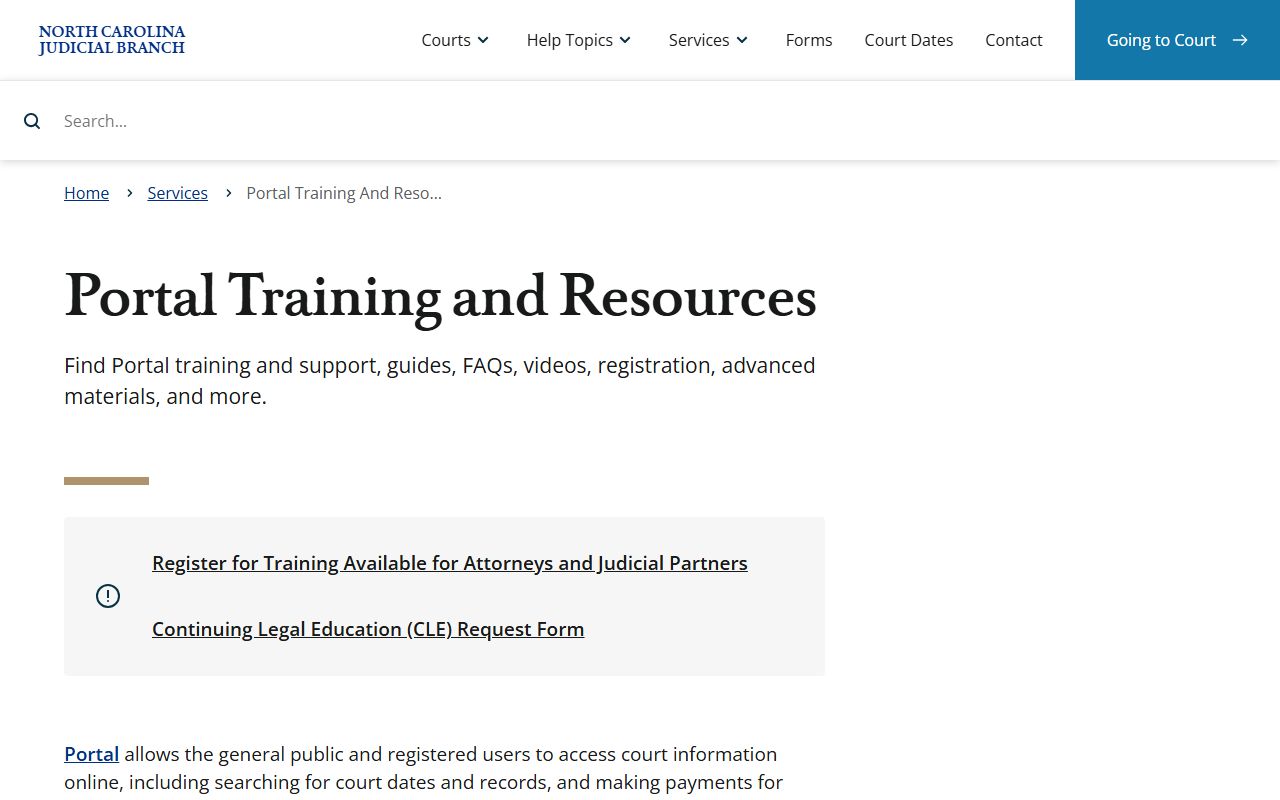
Training material is useful because the portal has separate tools for hearings, case searches, payments, and judgment searches, and those tools do not return the same results.
Guilford County Docket Search Fields
Search Hearings has visible field labels that explain how a Guilford County docket lookup can be narrowed. The location and hearing-type fields are central. The search-type control matters because the portal can change the criteria fields after a user chooses case number, party name, attorney name, judicial officer, or courtroom. The Sounds Like option may help with name spelling, but common names still need care.
| Field Label | Type | Required | Notes |
|---|---|---|---|
| Select Location | Dropdown / multi-select | Required | Includes All Locations and North Carolina counties, including Guilford County. |
| Select Hearing Types | Dropdown / multi-select | Required | Visible groups include Civil, Criminal, Family, and Probate or Mental Health. |
| Select Search Types | Dropdown / multi-select | Required | Case Number, Party Name, Business Name, Attorney Name, Bar Number, Judicial Officer, and Courtroom are visible. |
| Last Name / First Name | Text | Required for party search | Middle name is optional when shown. |
| Case Number | Text | Conditional | Use when the case number is known. |
| Judicial Officer / Courtroom | Dropdown | Conditional | Lists exist, but complete options were not cleanly captured in static research. |
Guilford County Court Dockets and Local Schedules
Not every scheduling detail is best found through a name search. Guilford County has official local schedule pages for civil, criminal, District Court, and Superior Court schedule material. Those sources help explain local calendar structure, while Search Hearings helps find a case-specific event. Local rules and forms can also affect docket timing, especially when a case type has required notices, motion rules, or local administrative procedures.
The official Guilford County local administrative schedules page is the source shown here.
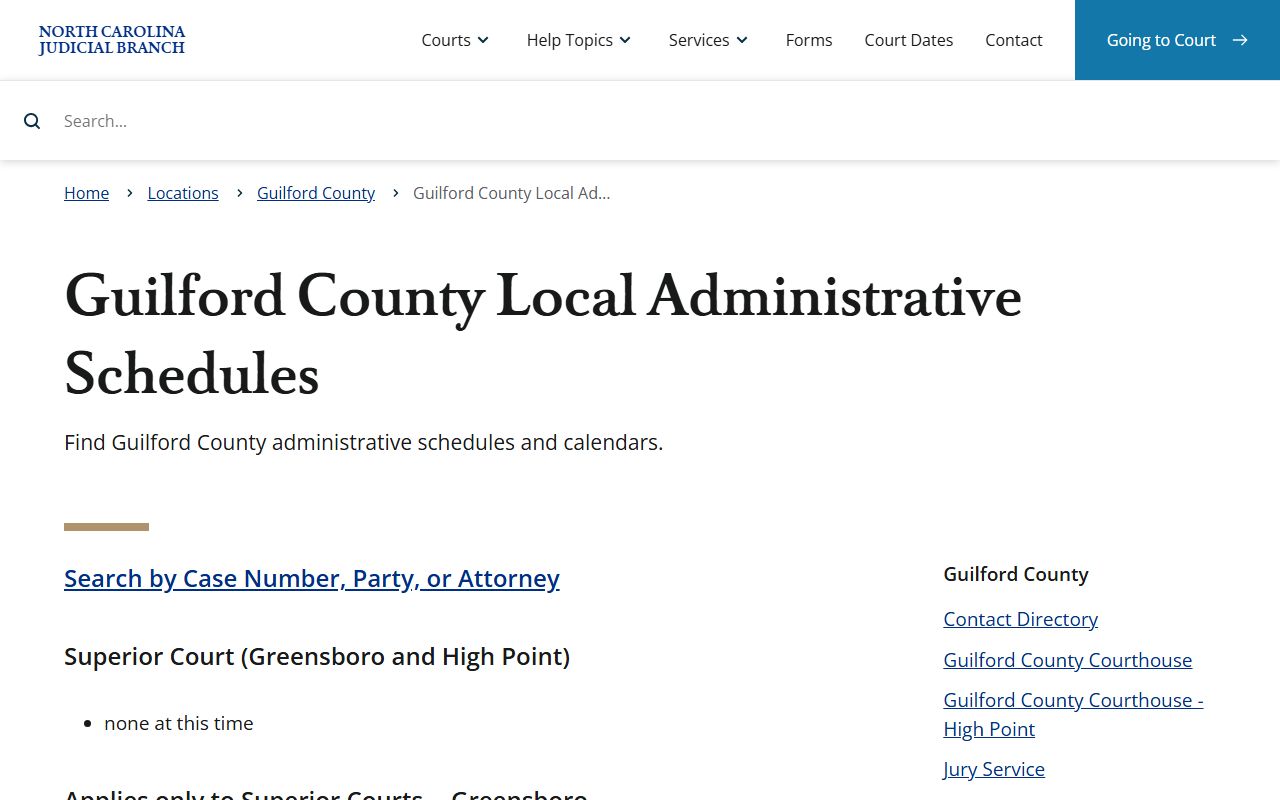
Local administrative schedules are a useful fallback when a hearing search is too narrow, a party name is uncertain, or a user needs the broader calendar context for a court division.
The related Guilford County local rules and forms source appears in this second local docket image.
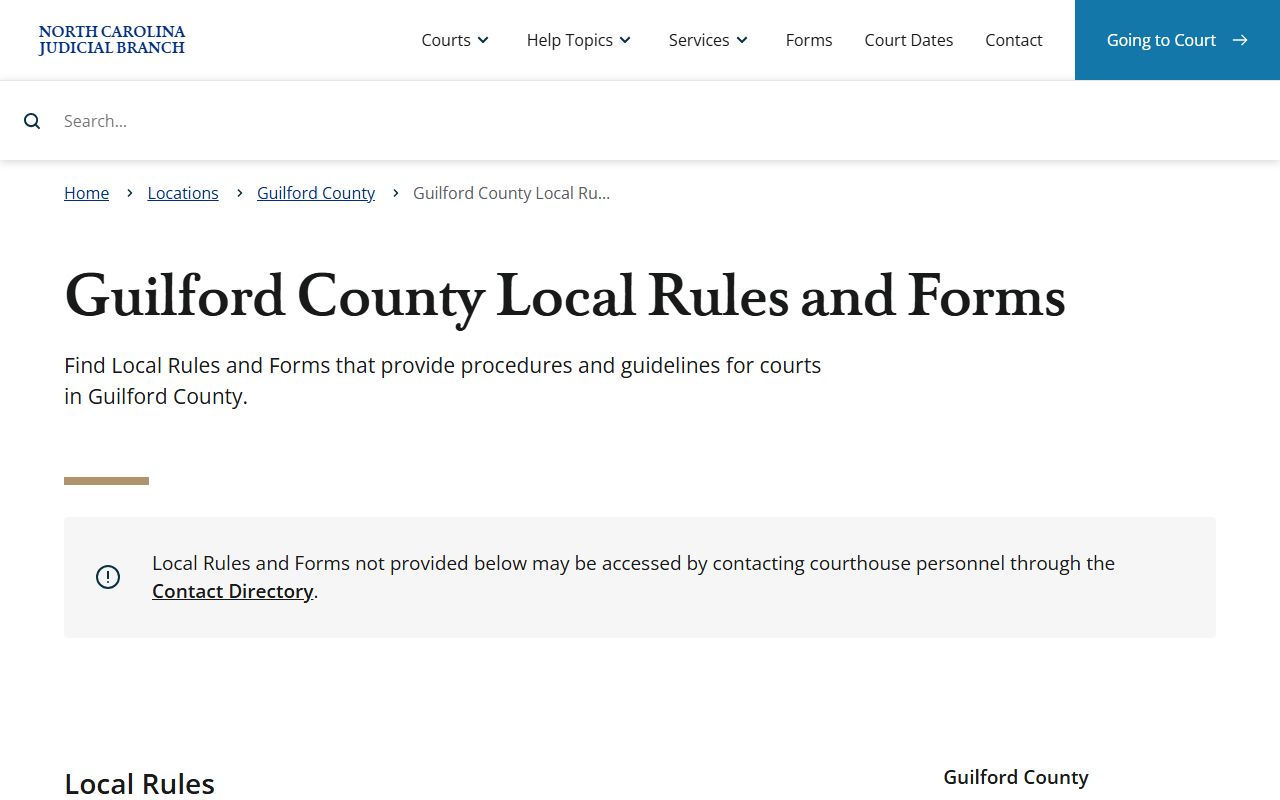
Rules and forms do not replace docket entries, but they explain why certain civil, criminal, family, or trial settings may follow a local procedure.
Courts With Guilford County Dockets
Guilford County cases sit within North Carolina's unified General Court of Justice. The trial divisions are Superior Court and District Court. Magistrates are officers of District Court, not a separate local court. This structure matters because the same state portal and Clerk of Superior Court framework serves the county, but the court division affects the type of hearing and the meaning of the docket setting.
| Court or Office | Docket Role | Guilford County Contact Context |
|---|---|---|
| Superior Court, District 24 | Felonies, civil cases over $25,000, and appeals from District Court. | Judges offices are listed for Greensboro and High Point. |
| District Court, District 24 | Misdemeanors, infractions, family matters, civil cases under $25,000, juvenile matters, and magistrate matters. | District Court judges have Greensboro and High Point contact lines. |
| Magistrates | Warrants, bond, initial appearances, small claims, summary ejectment, and civil marriages. | Separate criminal/warrant and civil/small claims phone lines appear in the contact directory. |
| Clerk of Superior Court | Maintains records, indexes, filings, payments, and access to paper files. | Greensboro and High Point counters serve the same unified clerk structure. |
Guilford County Dockets vs Case Records
A docket can tell a user what is scheduled and what has happened in sequence. A full case record can show the underlying filings and the court's written orders. In Guilford County criminal matters, for example, a docket can show hearings, pleas, and dispositions, while the fuller criminal court record may include charge details, motions, sentencing, costs, and probation entries. For all case types, certified copies and file inspection are still clerk functions.
| Docket | Full Case Record | |
|---|---|---|
| Format | Chronological list of events and settings. | Case file with pleadings, orders, events, financial items, and documents where public. |
| Best Use | Track court dates, hearing status, and case progress. | Review claims, charges, judgments, orders, dispositions, and certified copy needs. |
| Main Online Tool | Portal Search Hearings. | Portal Smart Search, then clerk access for records not online. |
| Limit | May not show full documents or sealed details. | May include restricted material that is withheld from public access. |
For broad case details, the main Guilford County court records lookup route is a better fit than a hearing-only docket search.
Read a Guilford County Court Docket
Start with the court division and case number. A criminal case number with CR includes at least one criminal offense. A case number with IF indicates an infraction-only matter. Then review hearing dates, event labels, party names, and dispositions. A hearing label may not mean the case ended that day. Continuances, motions, plea settings, and status hearings can appear before final disposition.
For missed court dates, traffic and criminal docket entries need prompt confirmation. North Carolina traffic guidance says that after a missed court date, the court may have issued an order for arrest and may report failure to appear to DMV if the matter is not addressed. Criminal dockets can also connect to warrant, bond, and initial appearance records handled by magistrates. When a setting is urgent, portal data should be checked against clerk or magistrate contact information.
Note: A docket entry can confirm scheduling, but it should not be treated as a certified court record.
Guilford County Docket Access at Court
In-person docket access also exists. The Clerk of Superior Court has public counters in Greensboro and High Point, and courthouse terminals can be used for case information. North Carolina Judicial Branch announced in 2025 that eCourts kiosks would deploy to Guilford and other counties, providing courthouse access to court-date and case-event searches, eFiling, payments, and scanner or printer services. That is useful for users without reliable home internet, a printer, or a scanner.
Clerk of Superior Court
201 South Eugene St.
Greensboro, NC 27401
336-412-7300
Monday-Friday, 8:30 a.m.-12:45 p.m. and 1:45-5 p.m.
Clerk of Superior Court
505 East Green Drive
High Point, NC 27262
336-822-6700
Monday-Friday, 8:30 a.m.-12:45 p.m. and 1:45-5 p.m.